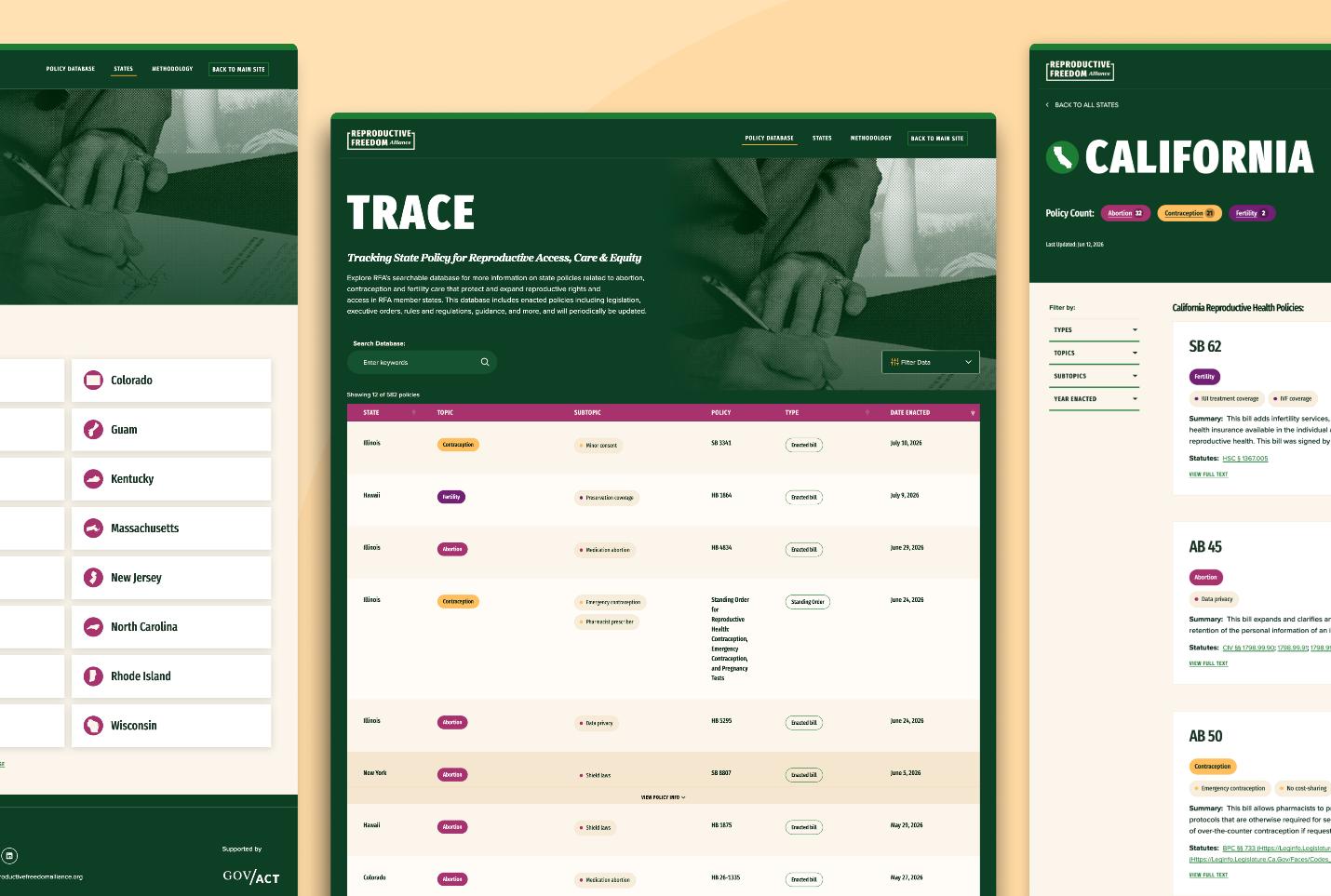

Why Accessibility Matters
Right now, roughly one billion people around the world live with disabilities that can affect how they interact with websites, including challenges related to vision, hearing, mobility, or cognitive processing. Making accessibility a priority benefits these users while also creating a better experience for everyone.
- Expand your reach: Accessible websites help people with disabilities engage with your content, while also supporting older adults and users experiencing temporary challenges such as vision, hearing, or mobility limitations.
- Improve the experience for everyone: Features like clear page layouts, strong color contrast, and intuitive navigation are key accessibility best practices. They also make websites easier to use and navigate for all visitors, regardless of ability.
Our Process: How AGP Finds and Addresses Accessibility Issues
When a website is ready for an accessibility audit, we go through a series of checks using the internationally recognized Web Content Accessibility Guidelines (WCAG) framework to identify anything that might create challenges for users. We utilize a variety of automated tools and manual tests to ensure we capture and address as many accessibility issues possible prior to release. As issues are found, we document them in Jira and assign a severity level based on the accessibility standards and success criteria we’re working toward.
To keep things manageable, we start by focusing on WCAG 2.2 Level A and AA issues. These tend to have the biggest impact on the user experience, so addressing them first helps us remove the most critical barriers and make the site more accessible as quickly as possible.
Tools We Use to Test Website Accessibility
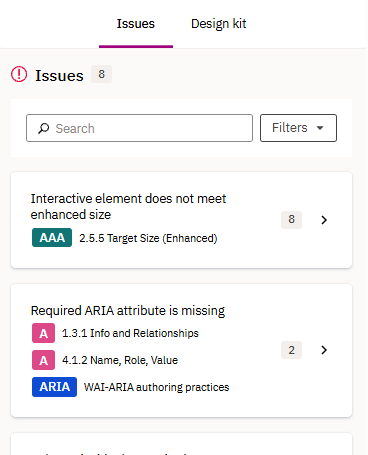
- Siteimprove Accessibility Checker: Provides real-time, in-browser evaluation of active webpages using Siteimprove’s core platform. It allows the user to quickly scan live pages, dynamic content, and non-public environments. When activated, the extension captures and categorizes WCAG success criteria for failures. Along with all this information, the tool also explains to the user Why it is an issue with additional reading material.
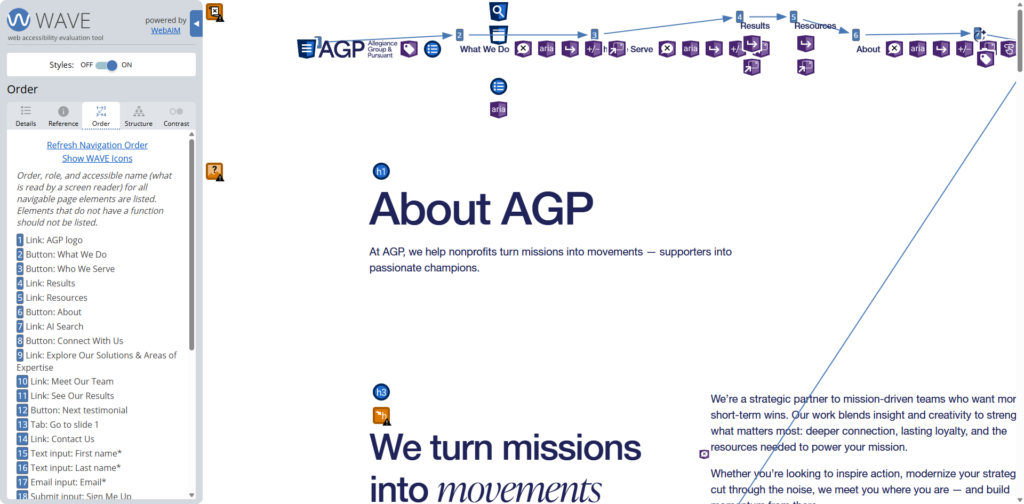
- WAVE: The WAVE (Web Accessibility Evaluation Tool) browser extension provides immediate feedback by overlaying indicators onto the webpage, highlighting critical errors. The tool also provides a visual representation of tabbing order throughout the page.
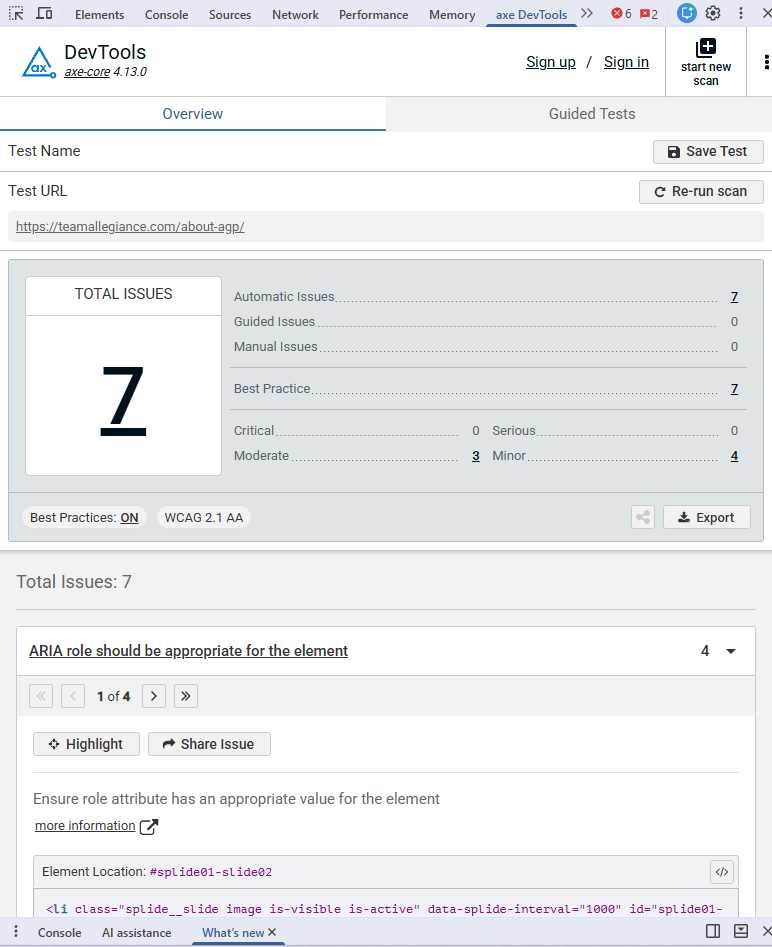
- AXE DevTools: This extension allows the user to run a quick accessibility scan on any live or in-development webpages. The tool performs a full-page scan for common accessibility issues like unlabeled forms or text contrast. Within the results, the user is presented with a button to view the element directly, along with a preview of the affected code.
The Future of Accessibility Testing at AGP
As a team, we’re always looking for ways to improve our accessibility testing process and expand our knowledge of the ever-changing accessibility landscape. Whether it’s learning about new tools, staying current with WCAG guidelines, or finding better ways to identify and prevent issues earlier in development, our goal is to make accessibility a natural part of every project we deliver.
By continuing to make accessibility part of our everyday workflow and sharing what we learn along the way, we can help create websites that are easier for everyone to use.